base plot

Raphael Rehms

Visualization of Data

Graphics general

  • There are several kind of graphics available in R. E.g.

    • plot(); hist(); boxplot();
  • The title of a plot is set with the additional argument

    • main = 'Main title'
  • The axes names by the additional arguments:

    • xlab = 'x' for the x-axis; ylab = 'y' for the y-axis

    • Color can be set by argument col (e.g., col='red', col='grey', . . . )

Plot

  • Standard scatter or line plot

  • Needs the value for x-axis and the y-axis

  • different types can be chosen (via argument type):

    • ‘p’ for points (default); ‘l’ for lines

    • A lot of styling options

    • See help for more details

Scatter plot

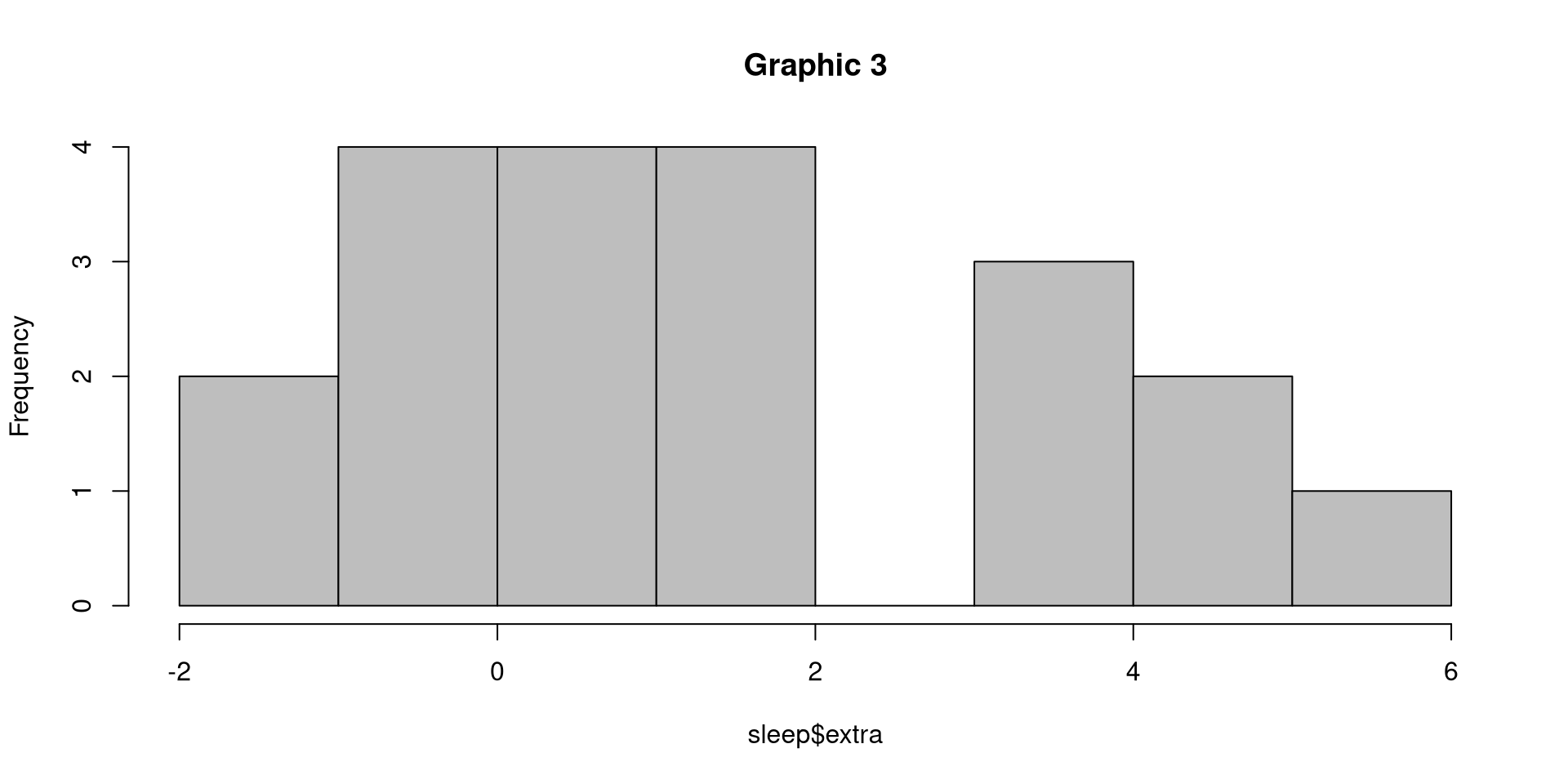
A basic scatter plot is created with the basic plot function
x <- -5:5
y <- (-5:5)^2
plot(x, y, main="Graphic 1")

Line plot

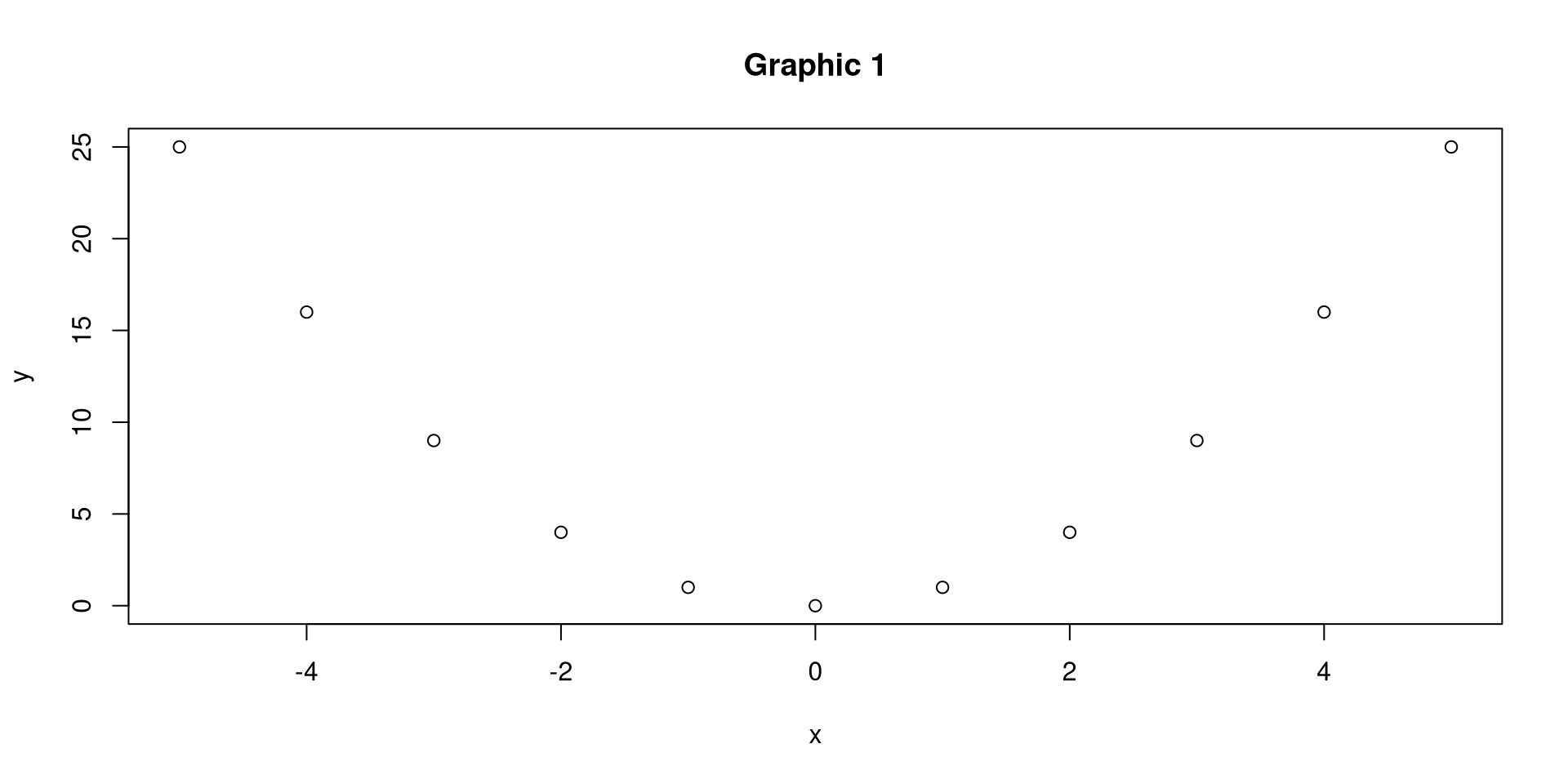
  • A basic line plot is also created with the basic plot function (with additional type)
plot(y ~ x, main="Graphic 2", type="l")

Histogram

  • Command hist()

  • Use the argument breaks=...> to have more or less bars;

  • Set option freq = TRUE for frequencies, freq = FALSE for densities (normalization of area to 1);

Histogram set color

  • We use the built-in data set sleep.

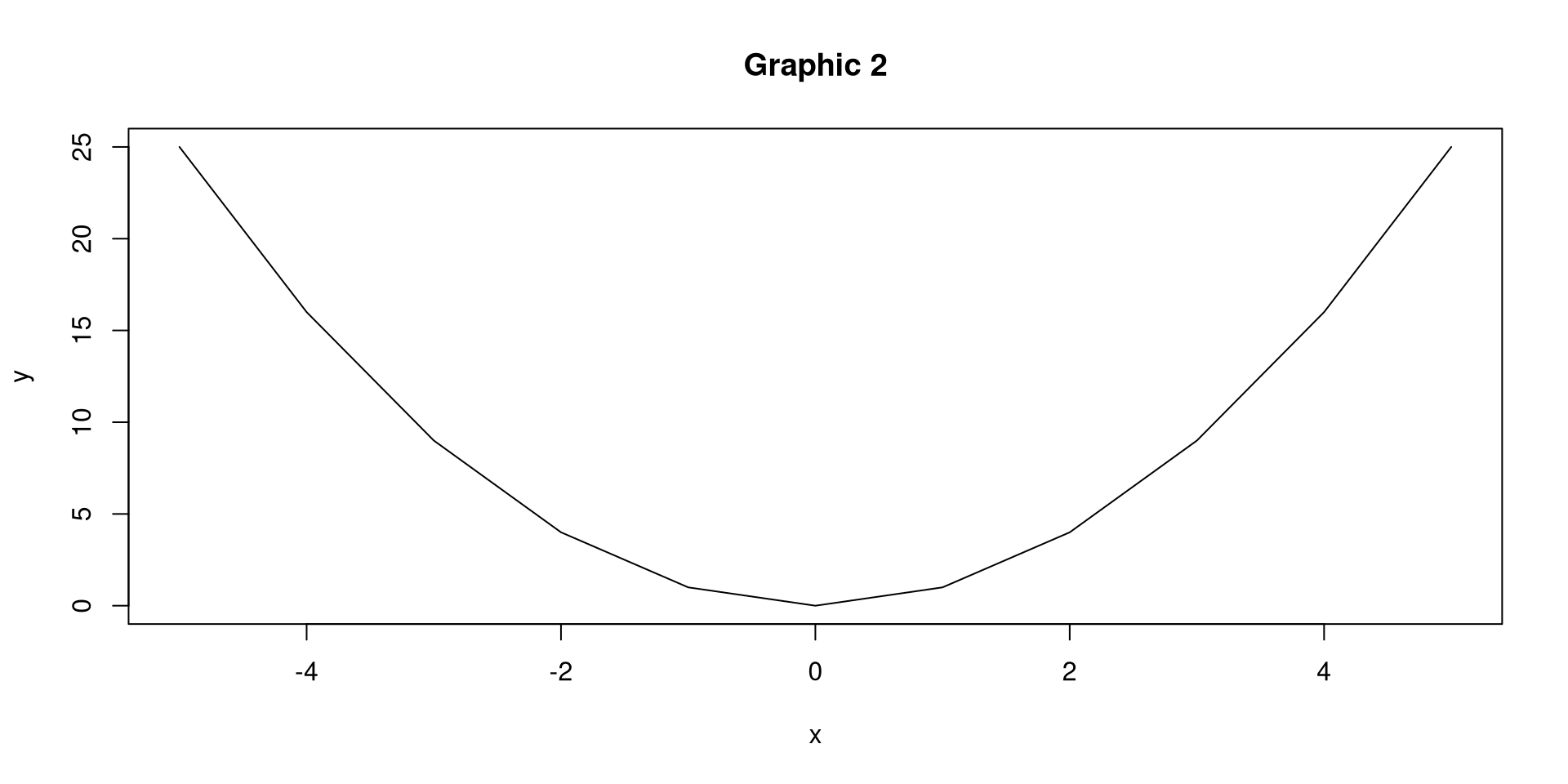
  • Histogram using a single vector:

hist(sleep$extra, main="Graphic 3", col="grey")

Histogram set breaks

  • A basic histogram with a custom number of breaks in red:
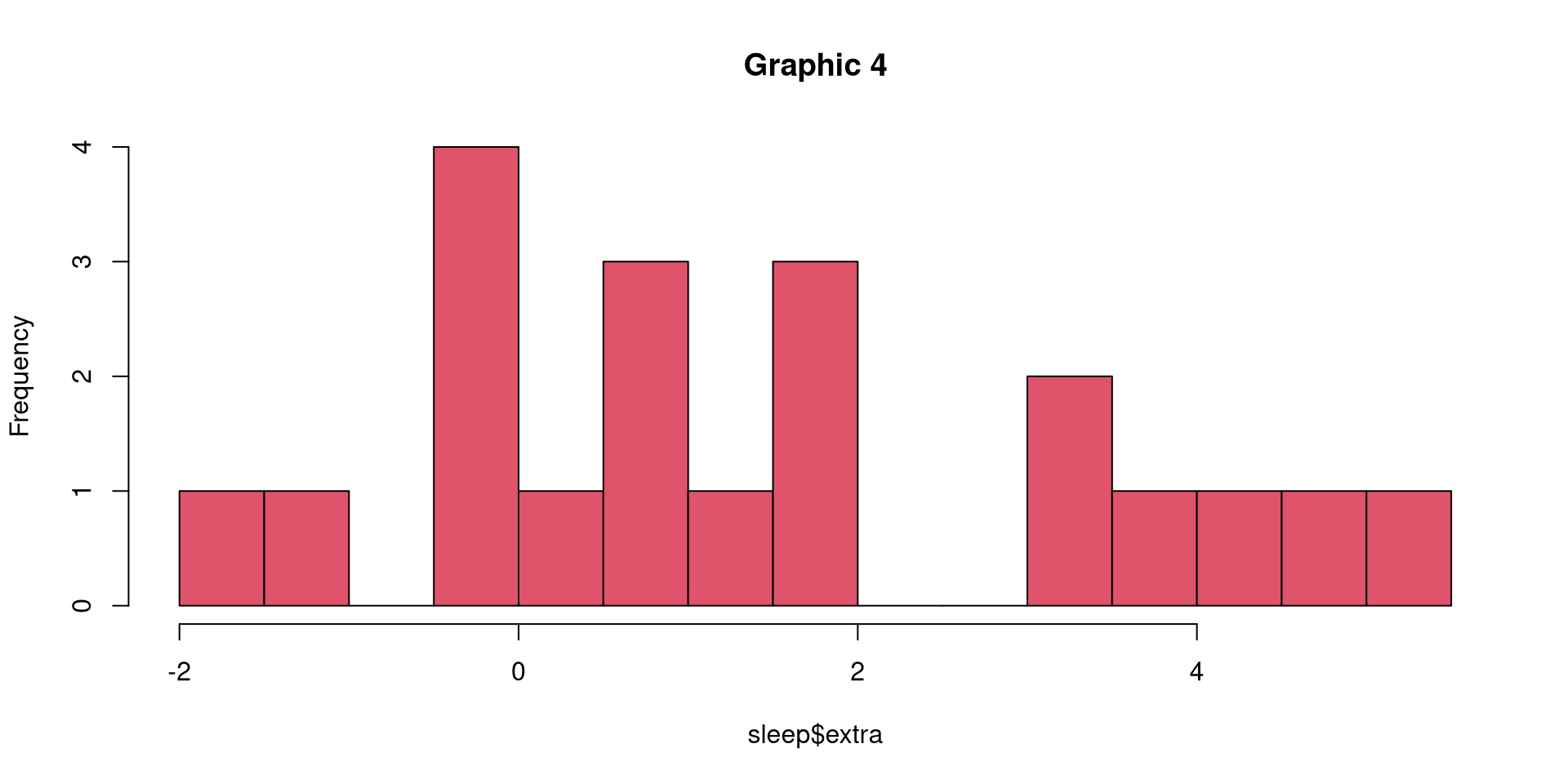
hist(sleep$extra, main="Graphic 4", breaks=20, col=2)

Boxplot

  • Command boxplot();

  • Easy to plot with different groups;

  • Parts of boxplot:

    • median,
    • 1st and 3rd quartile
    • outliers

Single boxplot

  • Basic boxplot derived from one vector:
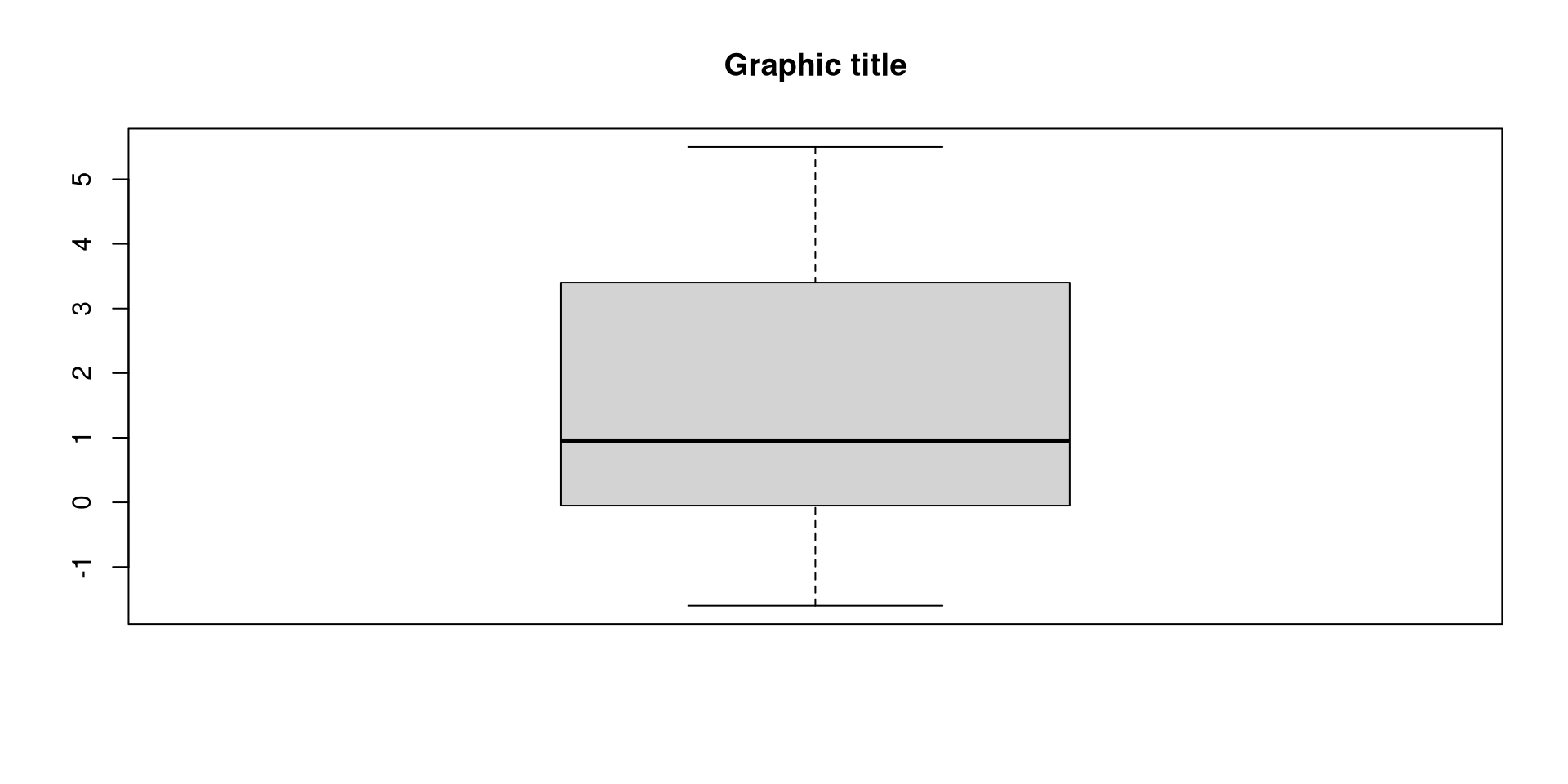
boxplot(sleep$extra, main="Graphic title")

Multiple boxplots

A boxplot with formula operator to make a boxplot for each group
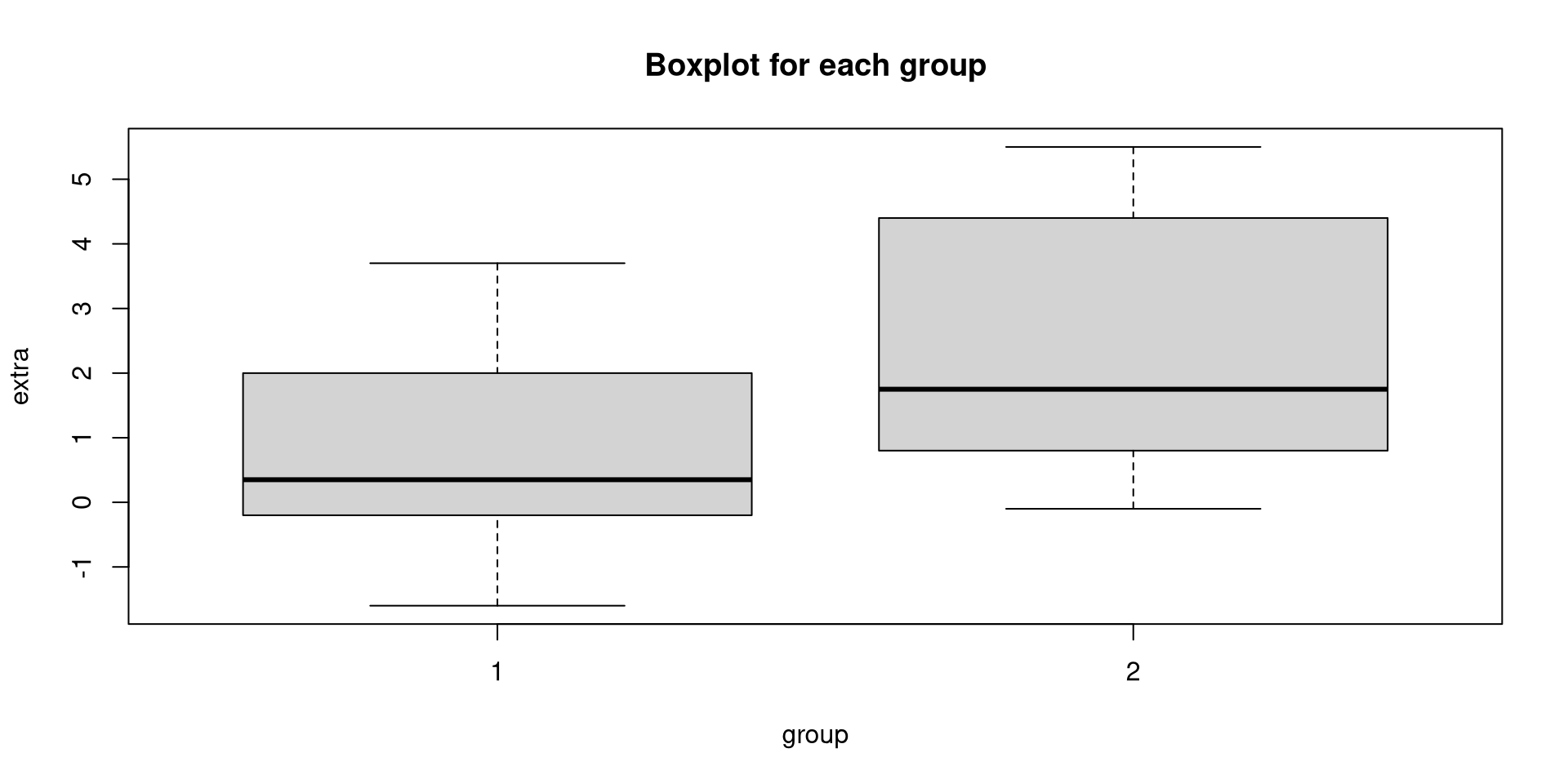
boxplot(extra ~ group, data = sleep, main="Boxplot for each group", ylab="extra", xlab="group")

This basically splits the vector into two vectors: one for each group.

Exercise