ggplot and visualizations
A first example: Scatterplot
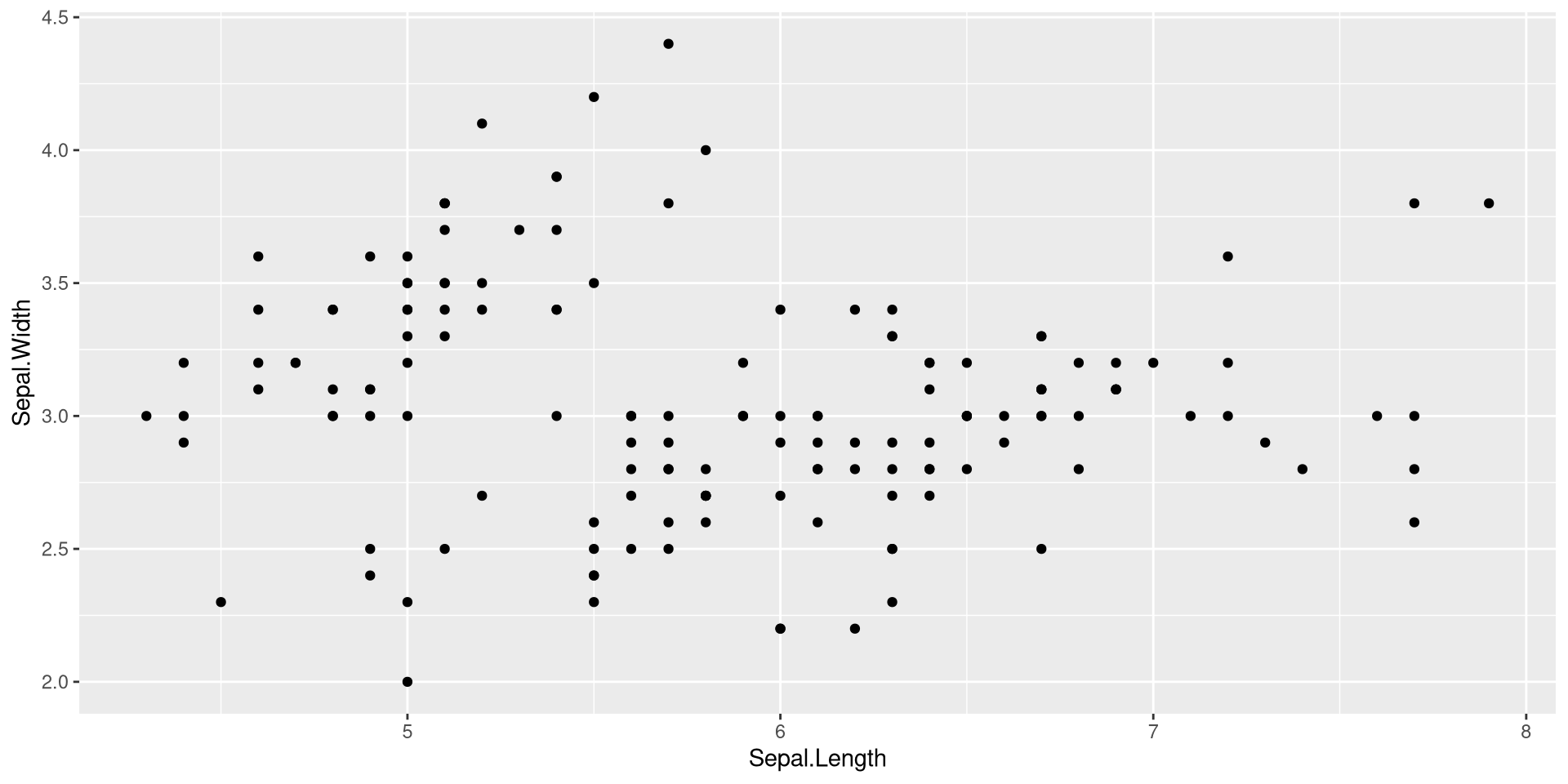
- Note that the variable names are not in quote marks. Call them as they are actual objects.
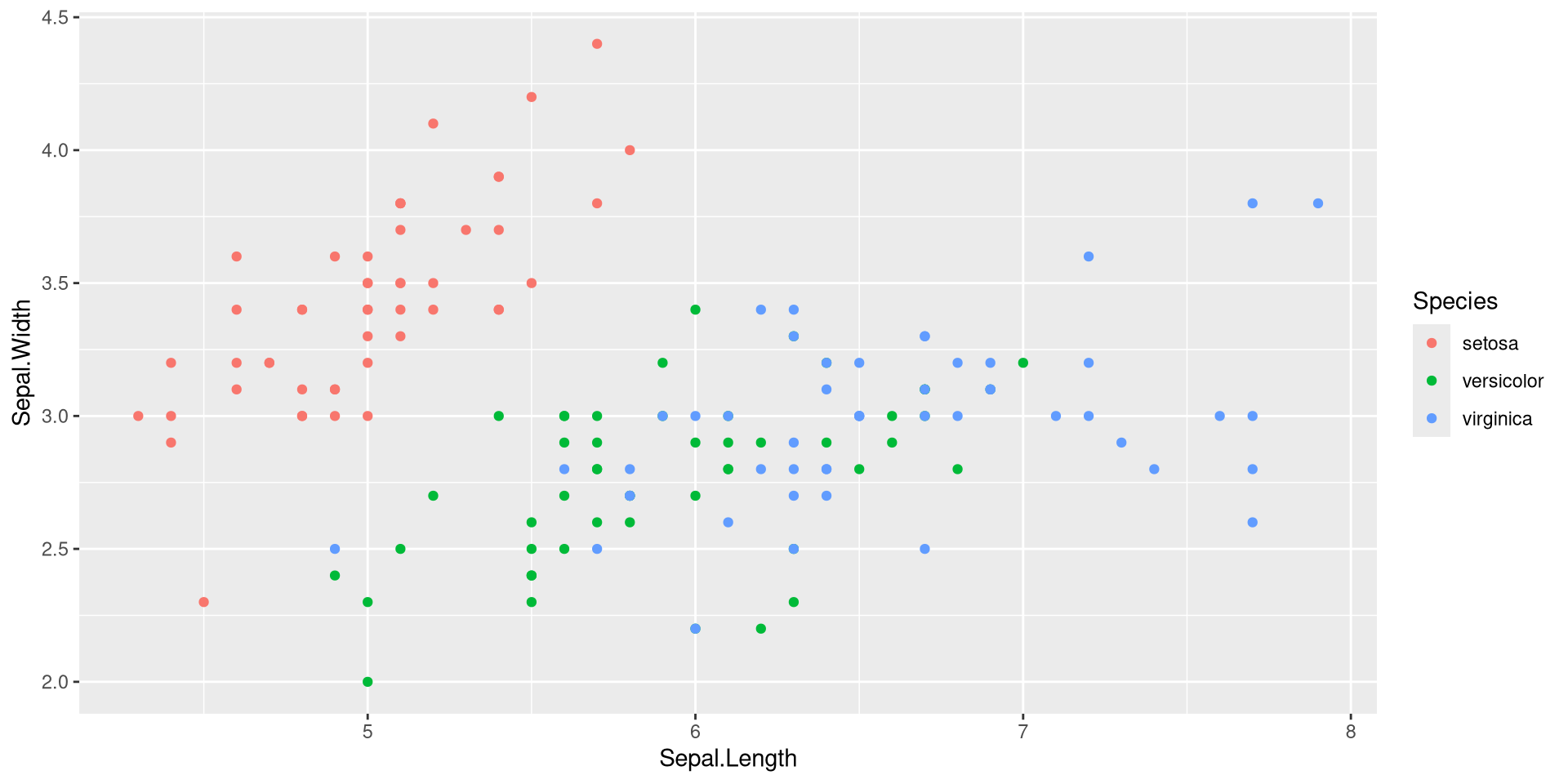
Adding another aesthetic mapping
Adding color for continuous data and shape
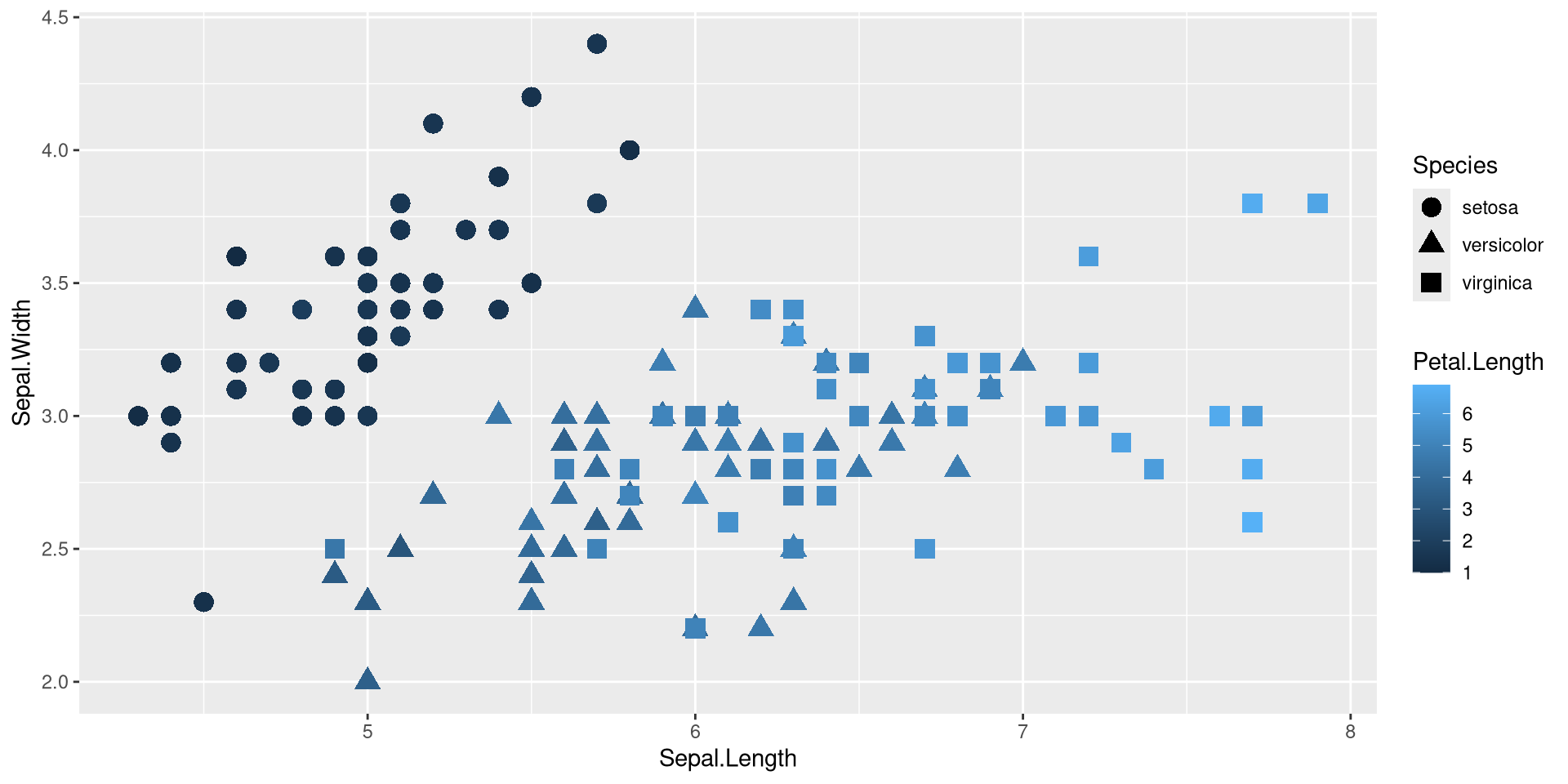
- We added a
sizeargument to the geom_point-function to make the points larger
Lines
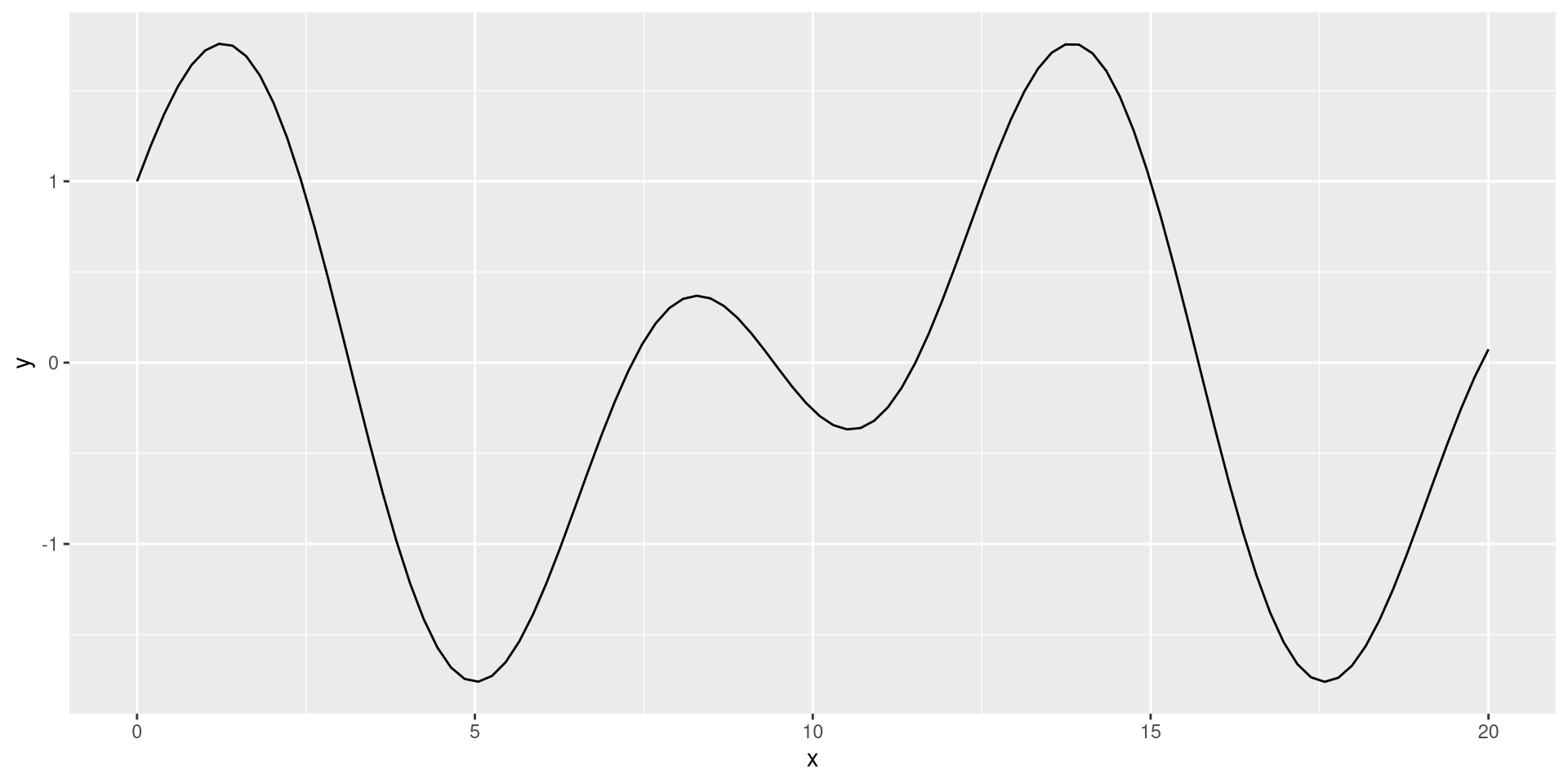
ggplot objects
- We can assign the ggplot as an object…
- and look at it:
ggplot objects
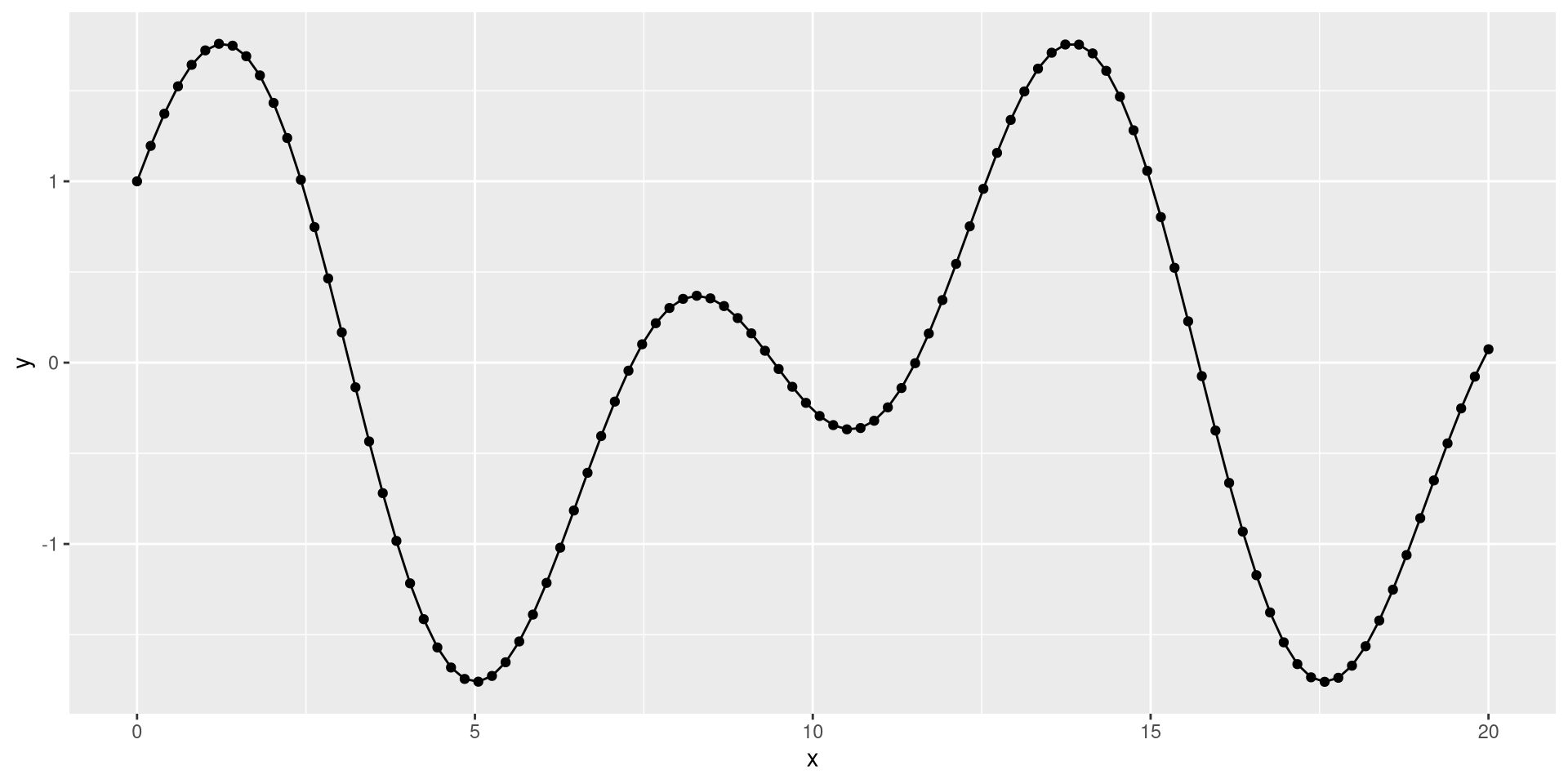
- adding layers later to an object:
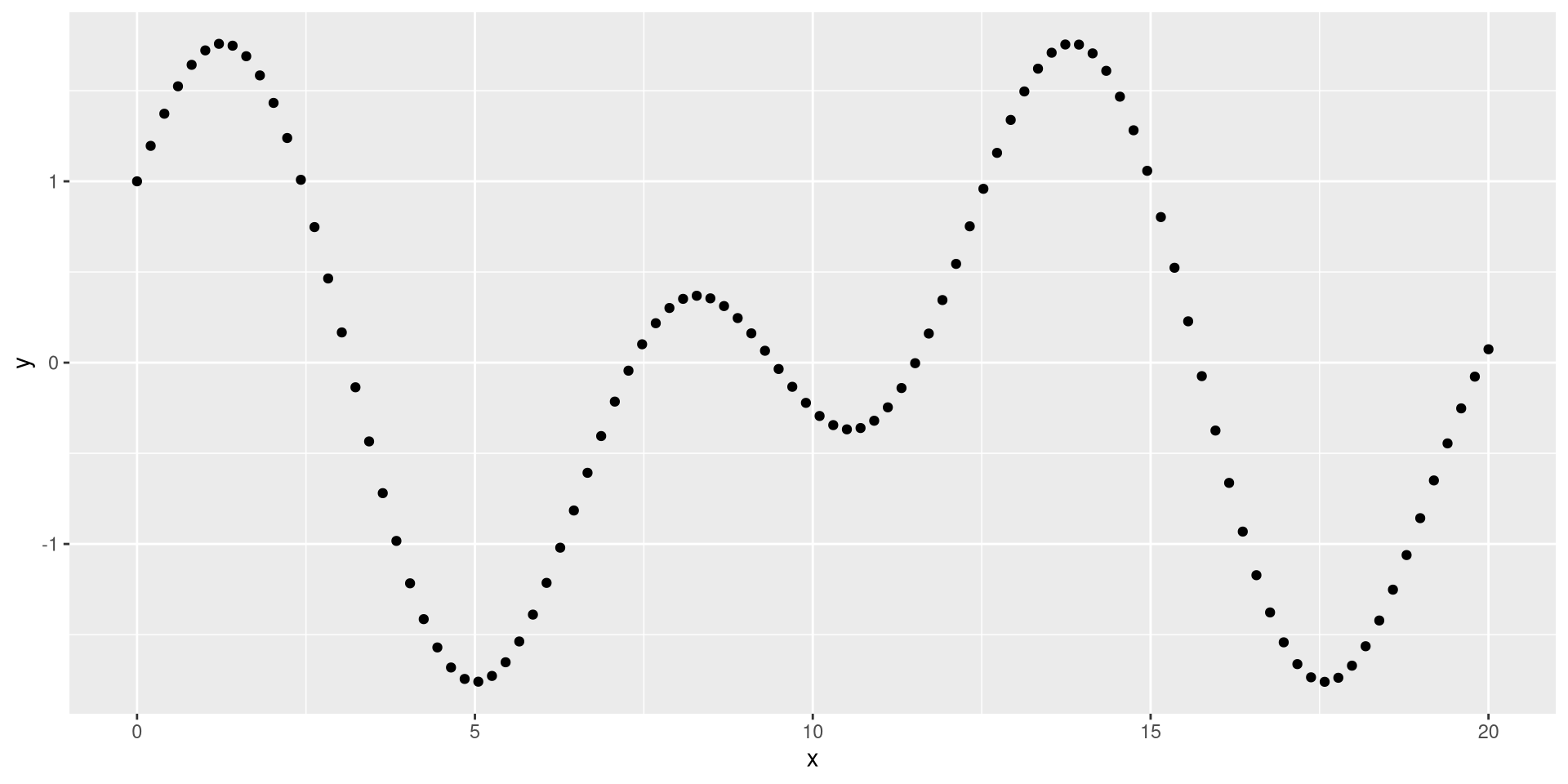
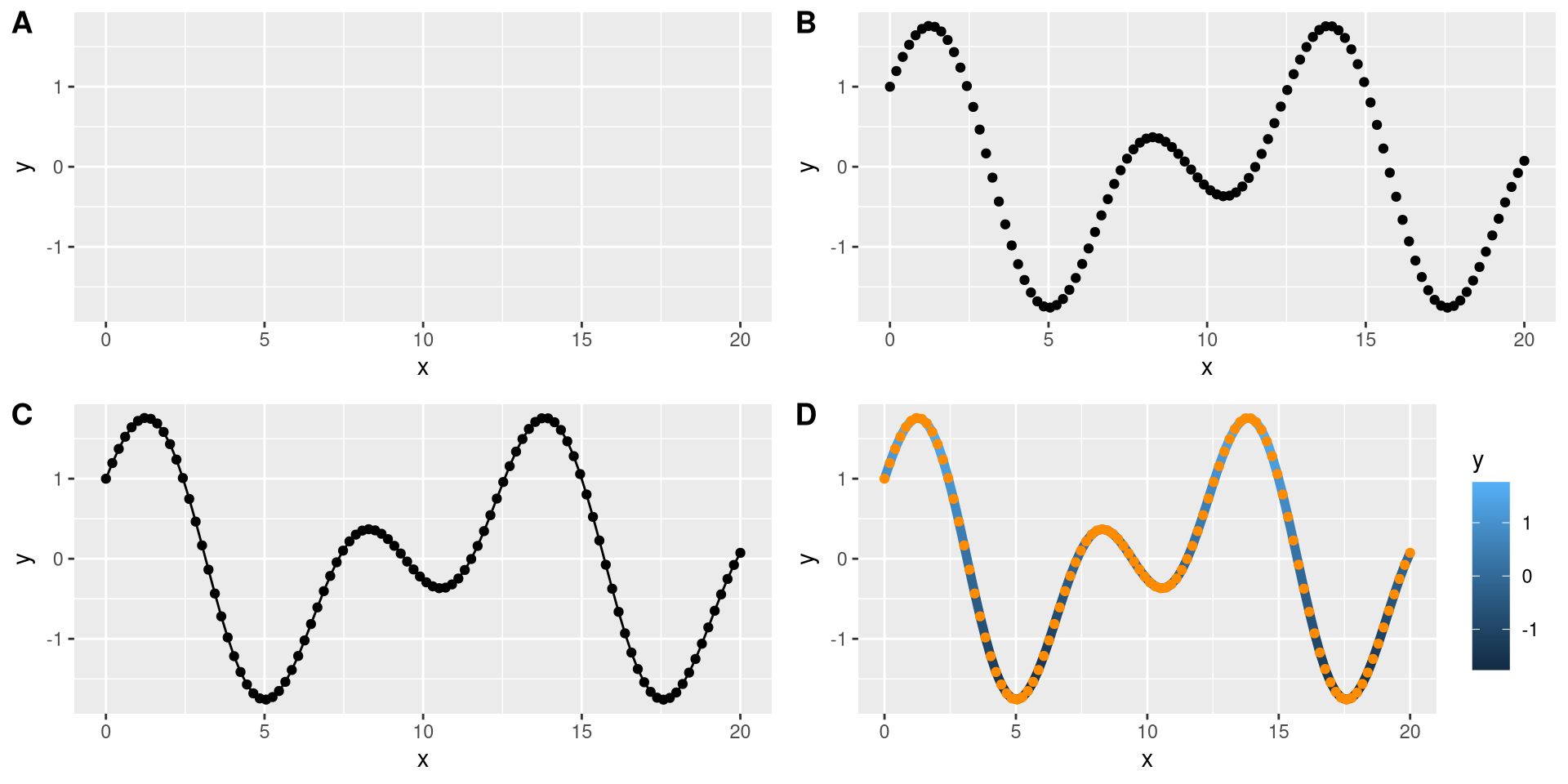
add multiple layers
Subplots
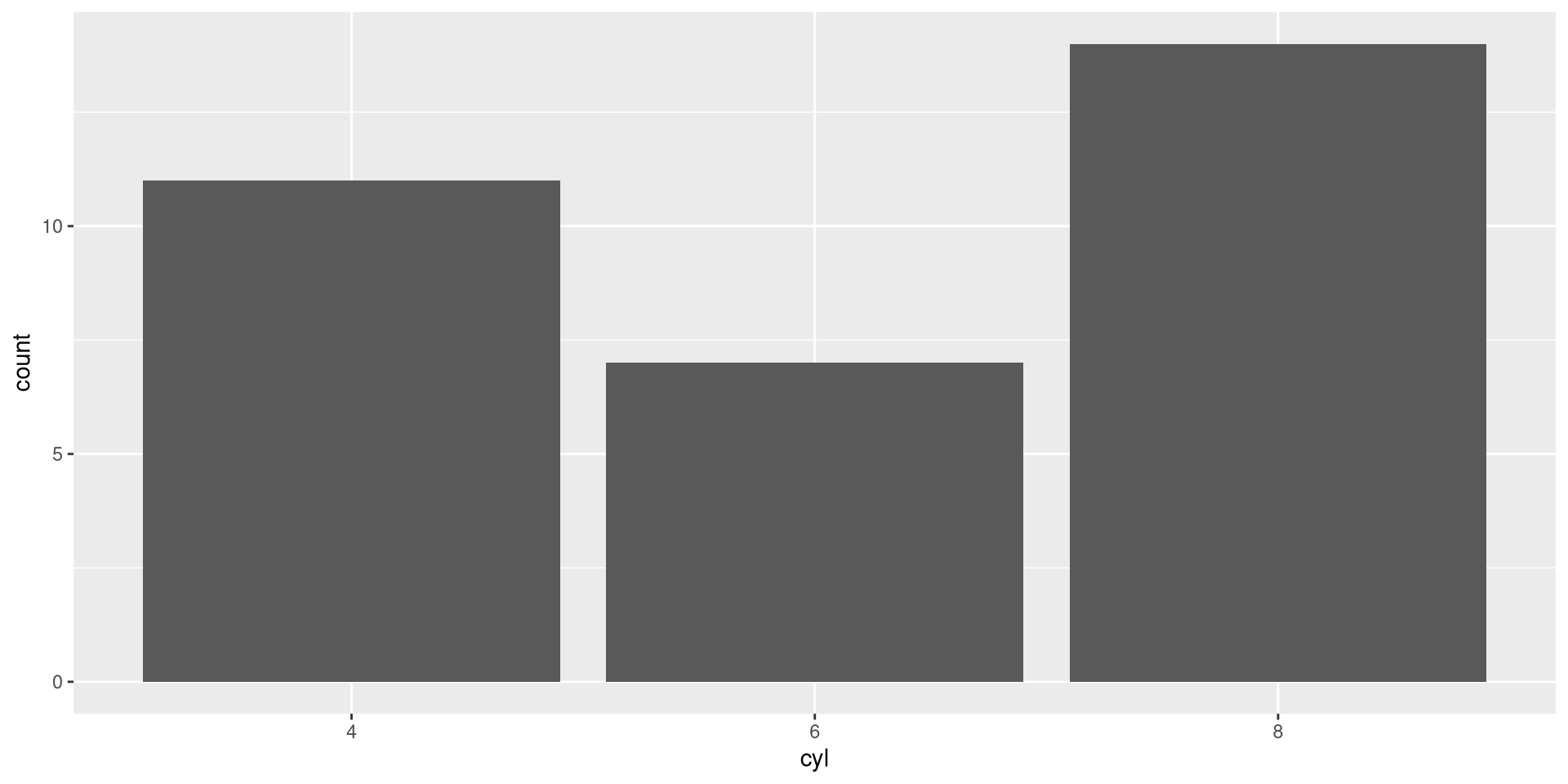
Barplot
The syntax stays the same for a type of plots. - A barplot only requires aesthetics for x. - We use the mtcars data set as an example
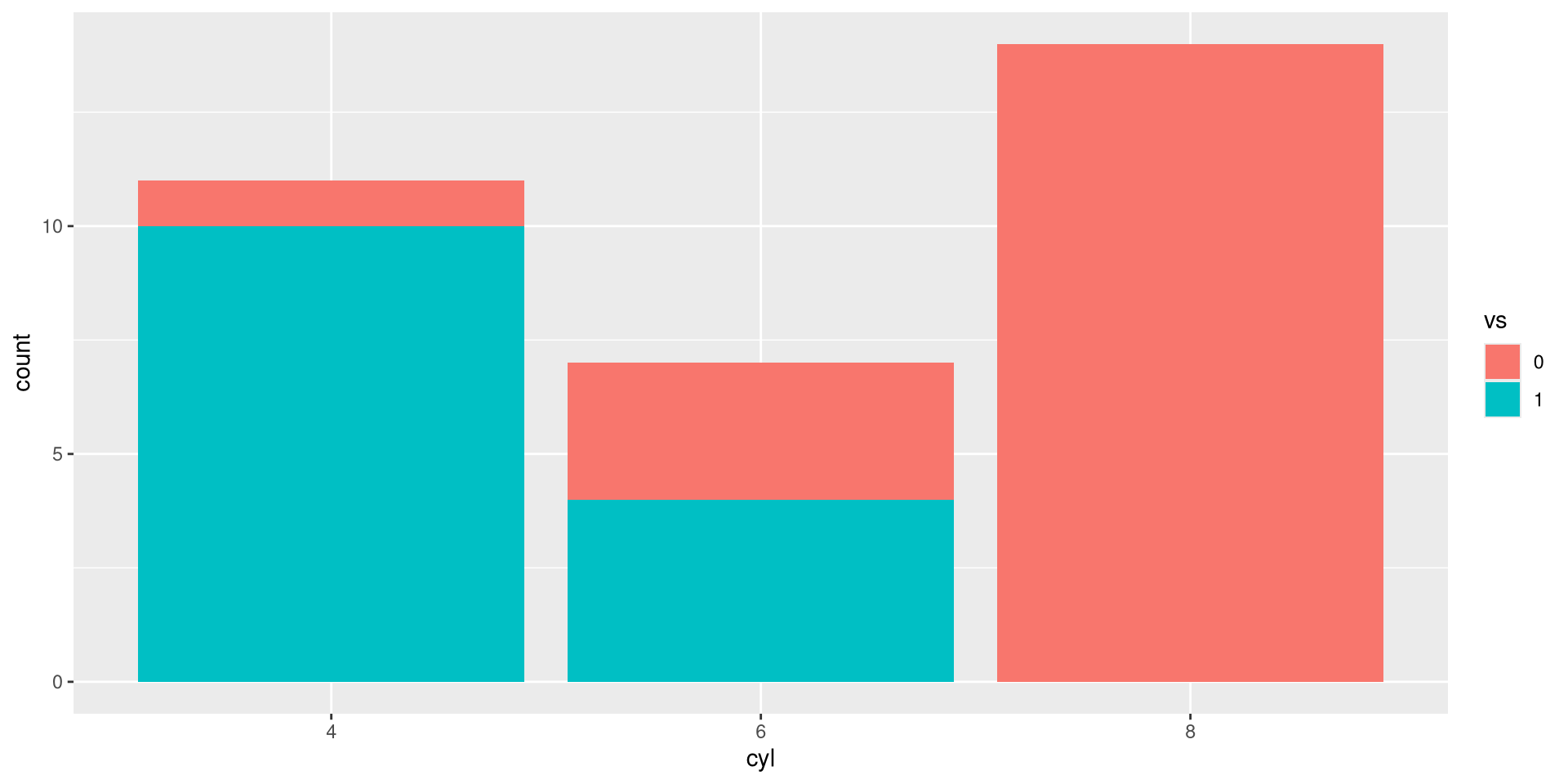
Add color
Use fill instead of color here.
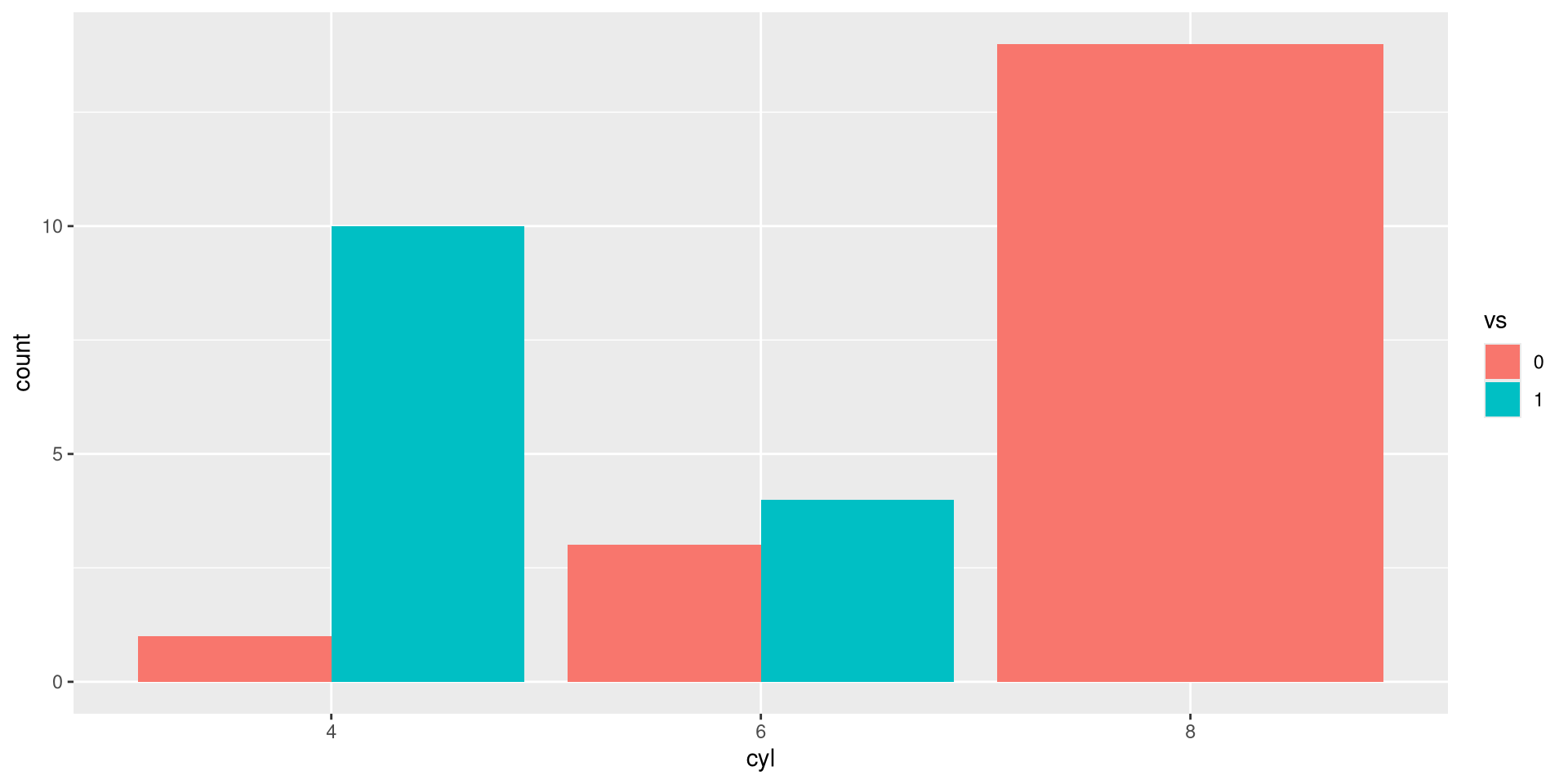
Add color
Side by side:
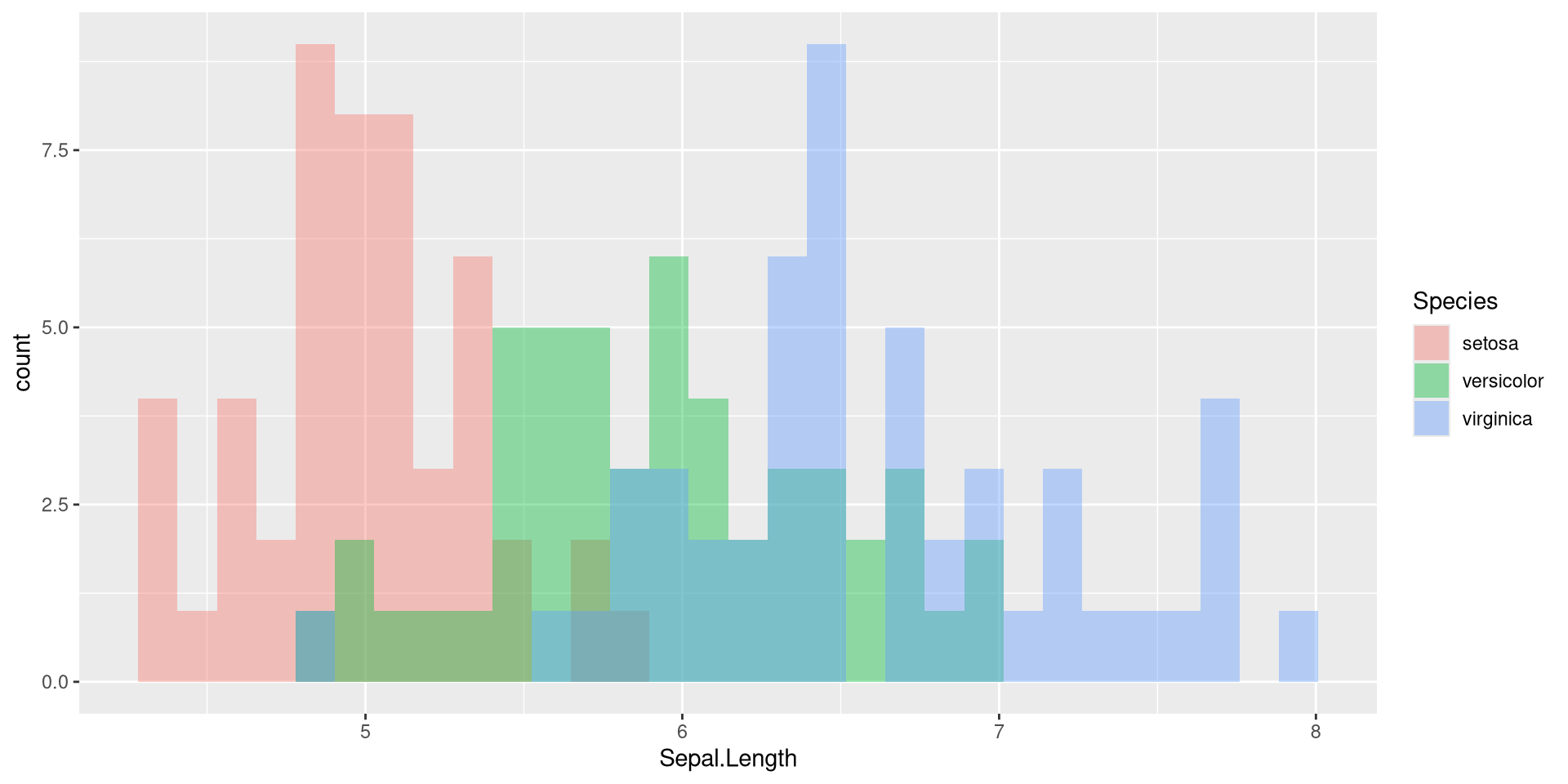
Histogram
Here, we use iris again. - position = "identity" to overplot histograms
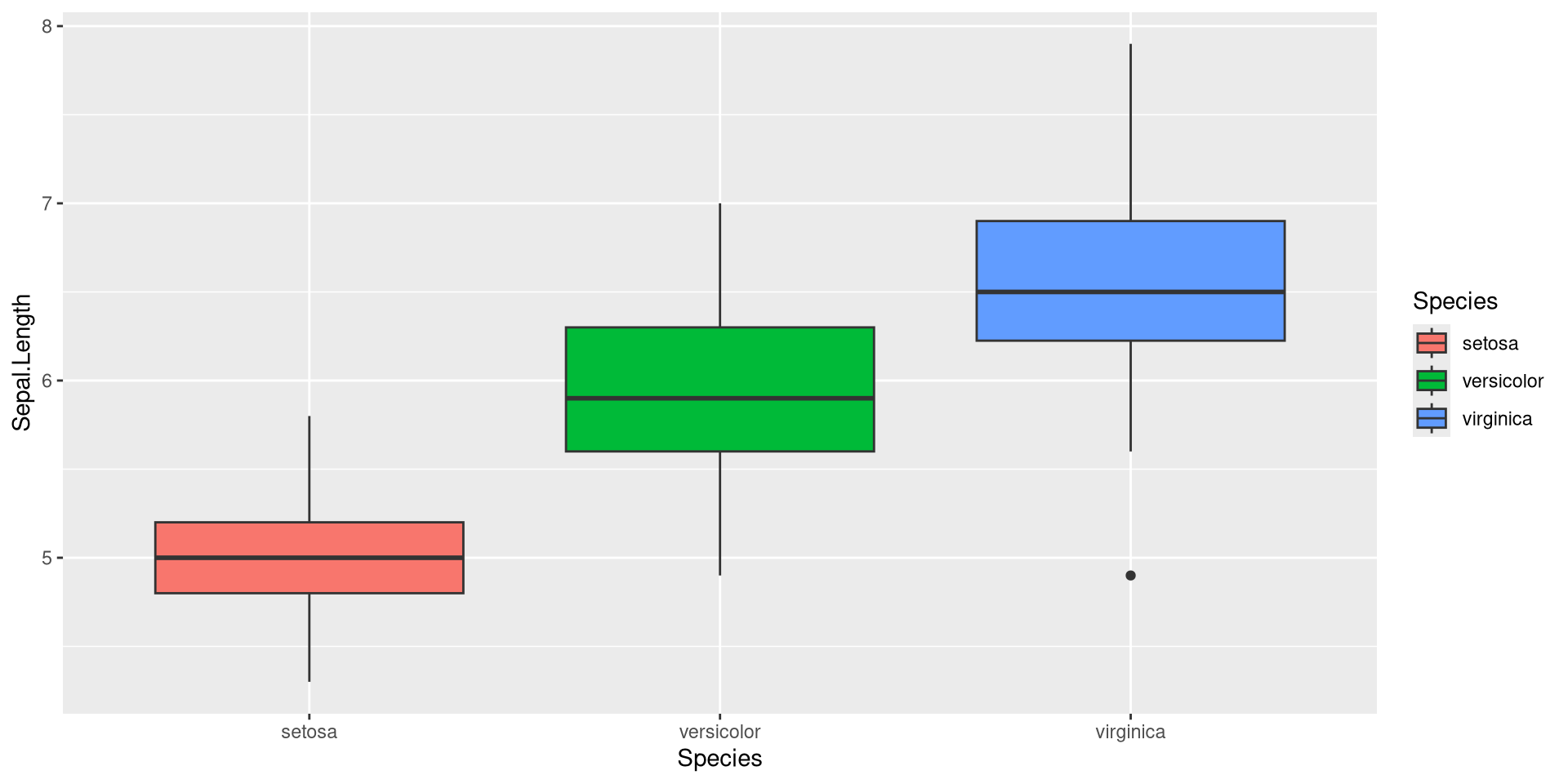
Boxplot
- Note that we have
Specieson the x-axis and as fill color
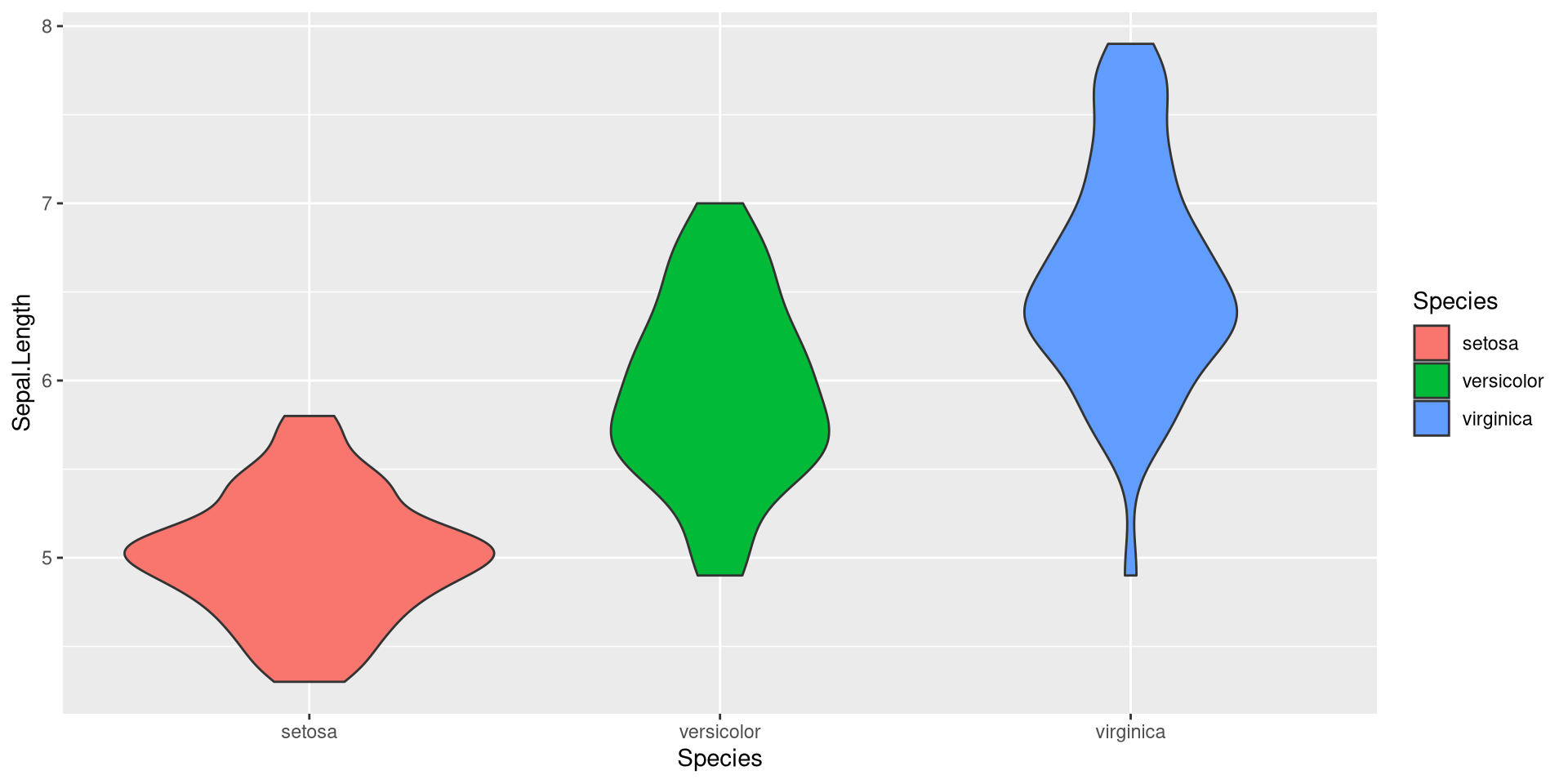
Violin
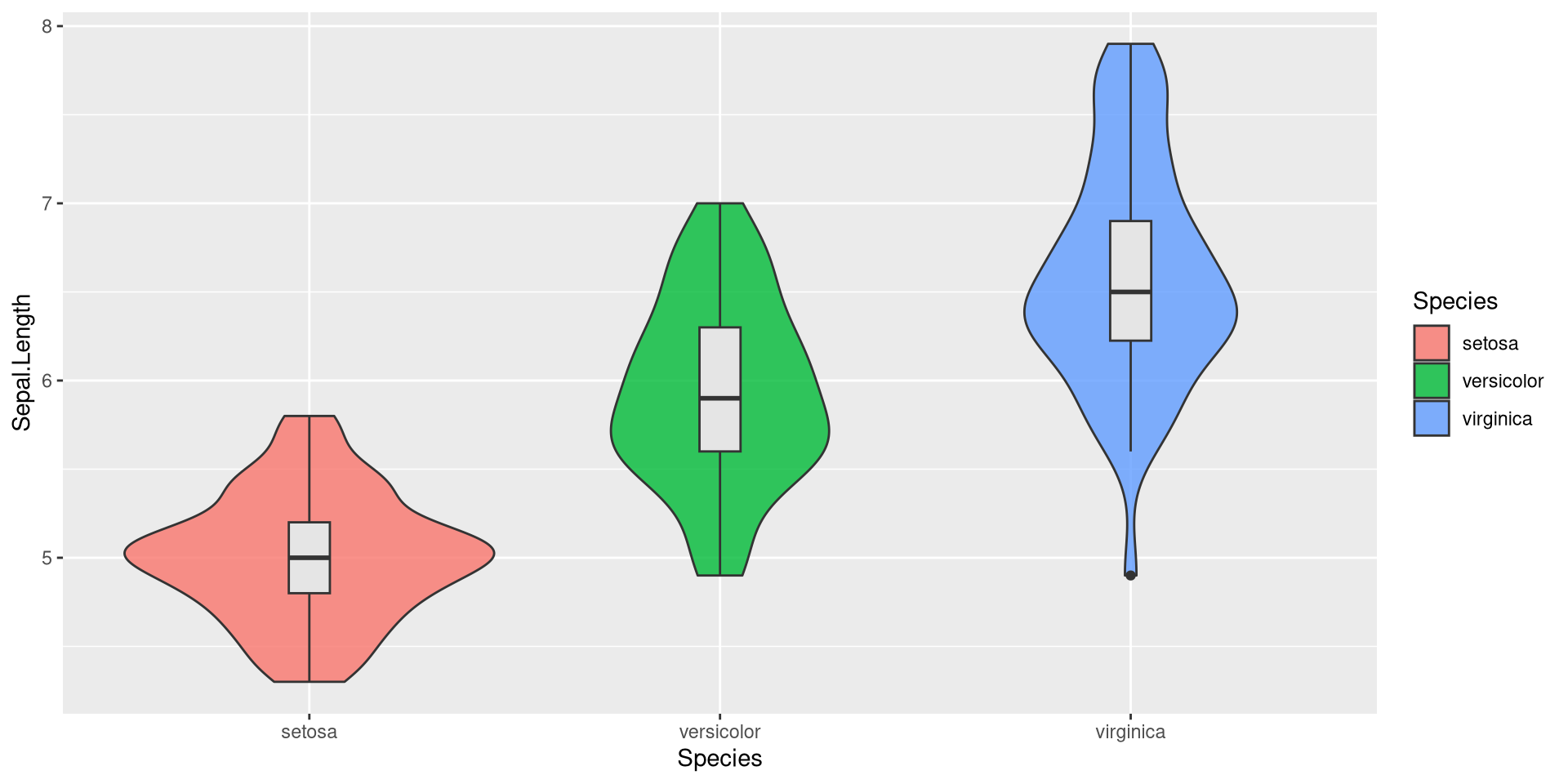
Combination
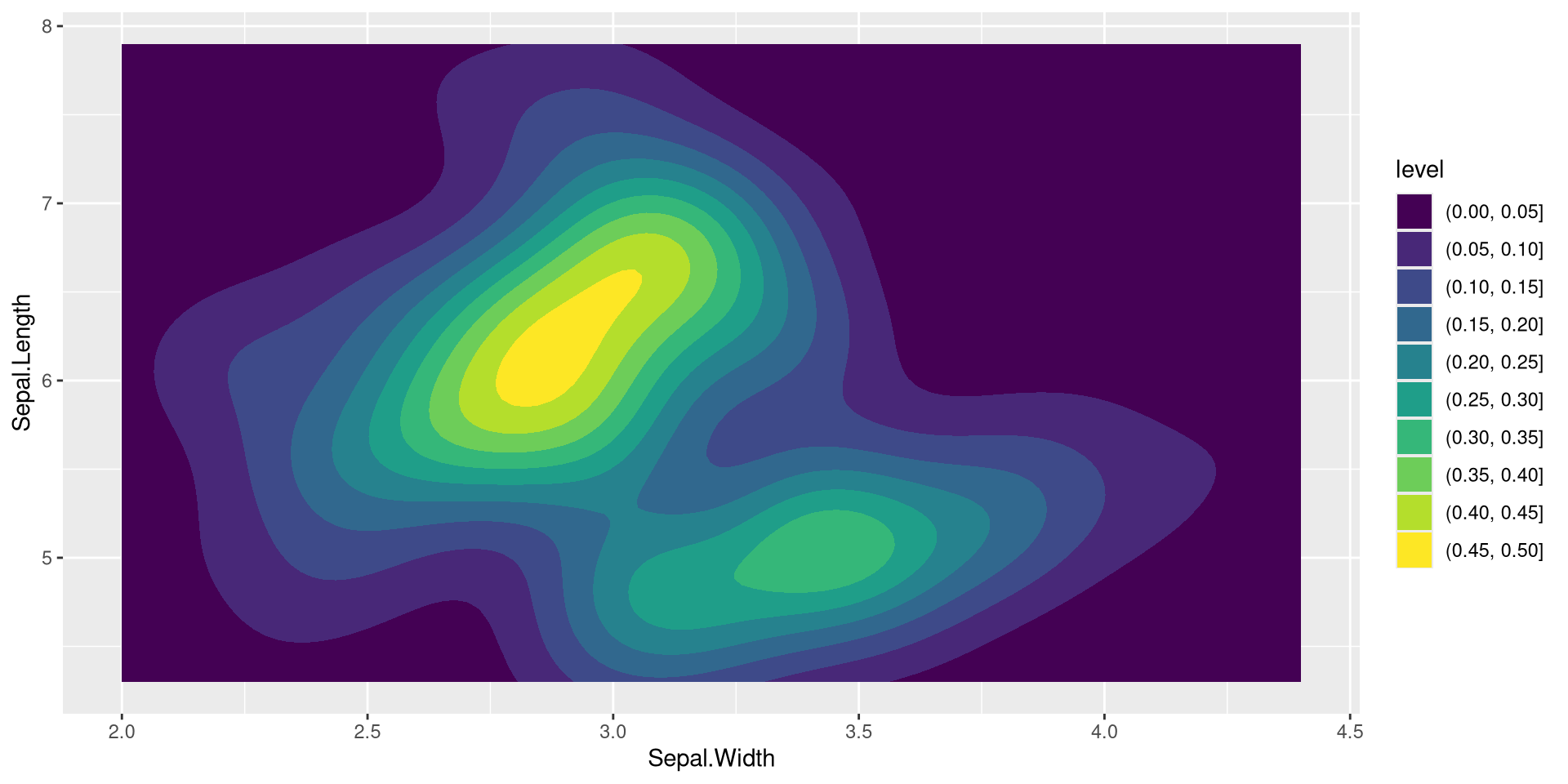
2-dim density